
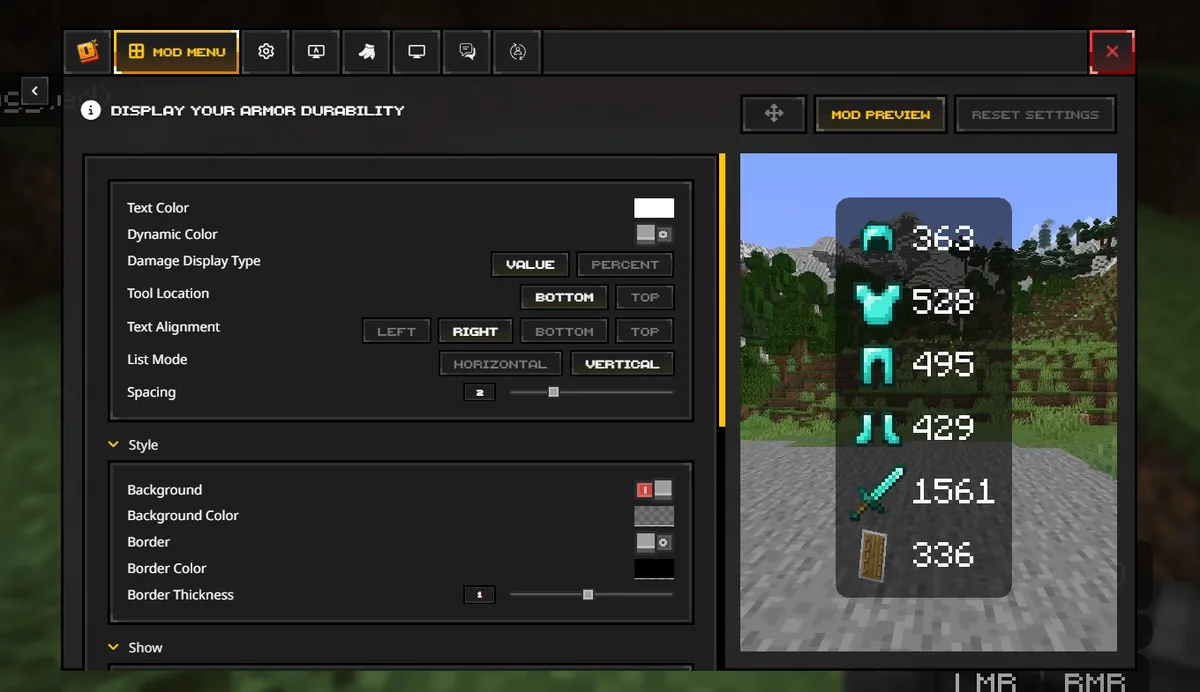
Open the active profile folder, then choose mods
The reliable way to open the Feather Client mods folder is to select the Minecraft profile you actually launch in the current Dawn client, open that profile's folder or installation directory, and then open the mods subfolder. Feather searches still use the old product name, but the current first-party route points users to Dawn.
The usual Java paths are %APPDATA%\.minecraft\mods on Windows, ~/Library/Application Support/minecraft/mods on macOS, and ~/.minecraft/mods on Linux. Treat those as starting points only: a custom game directory, separate instance, or profile-specific Dawn path is the source of truth.
Common mods folder paths by operating system
These paths describe the default Java Edition location. If Dawn opens a different profile directory, use that directory instead of forcing the default path.
| System | Typical Java path | What to verify |
|---|---|---|
| Windows | %APPDATA%\.minecraft\mods | Check that the selected profile uses this game directory and not a custom instance. |
| macOS | ~/Library/Application Support/minecraft/mods | In Finder, use Go to Folder and confirm the profile's game directory. |
| Linux | ~/.minecraft/mods | Show hidden files and confirm that the launcher is not using a separate instance directory. |
| Custom profile on any OS | The folder exposed by the active profile | This profile-specific location overrides the default path. |
1. Find the profile you actually launch
A mods folder belongs to a Minecraft game directory and loader profile, not to the Feather brand name by itself. Before opening a path, note the exact Minecraft version, Fabric or another loader, and the profile you press Play on. Two profiles can use different folders on the same computer.
The current Feather download path leads to Dawn. Open the legitimate Dawn installation, select the target profile, and use its folder or installation settings when available. If the path changes after you switch profiles, that is expected and is a useful confirmation that you found the right instance.
Select the target profile
Choose the profile for the Minecraft version and loader that will load the mod. Do not open a legacy profile and then launch a different one.
Open its game directory
Use the profile's folder button or installation setting. If no button is visible, compare the profile path with the operating-system defaults in the table above.
Confirm the instance
Look for folders such as
saves,resourcepacks, orlogs. Their dates and contents should match the profile you intend to use.
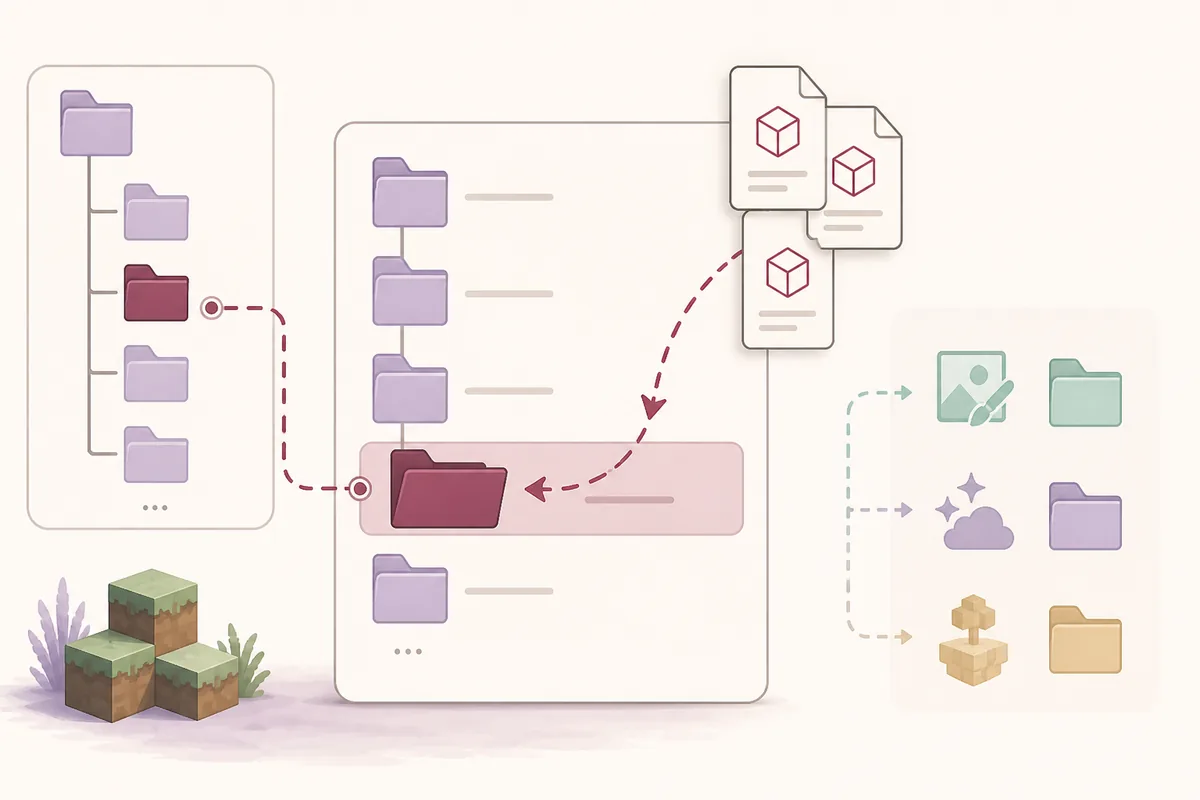
2. Open the mods folder and place the right file
Inside the selected game directory, open mods. If it does not exist, create a folder with exactly that lowercase name only when the selected loader and mod documentation expect it. A folder in the default location will not help if the active Dawn profile uses a custom directory.
Copy compatible mod JAR files into this folder. Check the exact Minecraft version, loader family, dependency list, and author release notes first. The folder is for executable mod packages; it is not a general-purpose place for every Minecraft download.
- Put Fabric mod JARs and required Fabric dependencies in the active profile's
modsfolder. - Keep resource-pack ZIP files in
resourcepacksand shader packs inshaderpackswhen the profile supports them. - Keep worlds in
saves; a world, schematic, PNG, or ZIP is not automatically a mod. - Do not rename files to hide duplicate versions, and keep a backup before changing a working profile.
3. Fix a missing folder or a mod that does not appear
A missing mods folder is usually a sign that the profile has not loaded mods yet, the folder is in another game directory, or the selected profile uses a different loader. Do not reinstall Dawn before checking the active path and saving your logs.
If the folder is correct but the mod does not appear, verify that the file extension is really .jar, the JAR is compatible with the exact Minecraft version, the loader matches, and all required dependencies are present. Add one mod or one small group at a time so the first failure remains visible.
Test the clean profile
Launch the same profile with no new mods. If it fails, the problem is broader than the new JAR and belongs in the general launch troubleshooting workflow.
Read the first reported error
Save the latest log or crash report, then look for a missing dependency, duplicate JAR, wrong loader, unsupported version, or Java problem.
Roll back the newest change
Move only the newest file or group to a temporary folder and retest. Keep the smallest failing set instead of deleting the whole profile.
Feather Client mods folder FAQ
Short answers for finding the active folder, moving mod JARs, and diagnosing the wrong-instance problem.
Where is the Feather Client mods folder?
Open the game directory for the Dawn or Feather profile you actually launch, then open mods. The default Java paths are %APPDATA%\.minecraft\mods on Windows, ~/Library/Application Support/minecraft/mods on macOS, and ~/.minecraft/mods on Linux.
What file are mods located in on Feather Client?
Compatible mod packages are normally JAR files inside the active profile's mods folder. Check the Minecraft version, loader, dependencies, and author instructions before copying a JAR.
Does Feather support custom mod files?
A profile can use a custom game directory, but the mod still needs to be compatible with the selected Minecraft version and loader. Use the active profile's folder rather than assuming every instance shares one global path.
Should I put the Feather Client in the Minecraft mods folder?
No. The Dawn or Feather launcher is separate from a Minecraft mod JAR. Put only compatible mod files in mods; install or open the launcher through its official source.