
Test a clean profile before reinstalling everything
Feather Client not launching. Start with a clean Dawn profile, then restore mods and settings one layer at a time.
Create a profile with no third-party mods, shaders, custom Java arguments, or imported settings. If it reaches the title screen, restore Fabric components, mods, packs, and settings in small groups until the fault returns.
Confirm the official launcher and version
Start with a clean Dawn profile, then restore mods and settings one layer at a time.
| Symptom | First test | Layer |
|---|---|---|
| Feather Client Not Launching? Fix Loading, Crashes & Server Errors | Test a clean profile before reinstalling everything | Launcher / profile |
| Minecraft loading | Reproduce with a clean profile | Runtime / graphics |
| Crash after mods | Disable mods and match every version | Fabric / dependency |
| Server only | Separate server problems | Network / server |
Confirm the official launcher and version
Feather now points users to Dawn. On August 1, 2026, dawn.gg displayed version 0.2.0.338 for Windows, macOS, and Linux; no newer verified public version was found. Use the official page, not a mirror or guessed CDN URL.
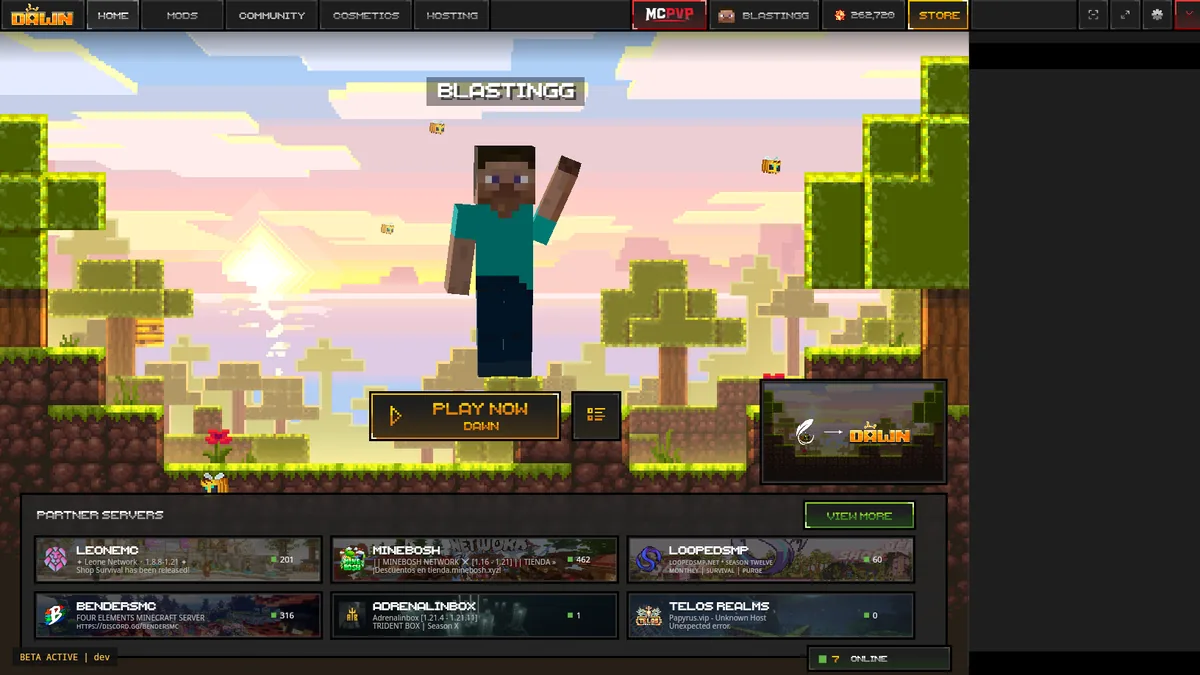
Feather Client not launching: Reproduce with a clean profile
Create a profile with no third-party mods, shaders, custom Java arguments, or imported settings. If it reaches the title screen, restore Fabric components, mods, packs, and settings in small groups until the fault returns.
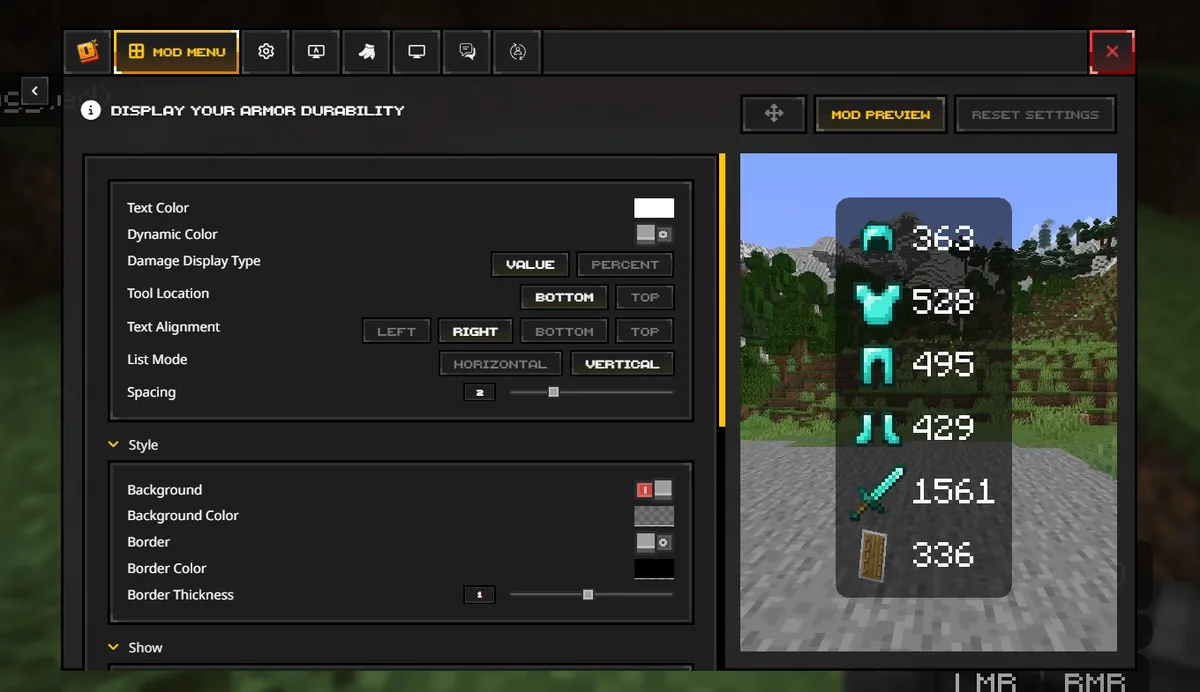
Disable mods and match every version
Match Minecraft, Fabric Loader, Fabric API, libraries, and every mod release. Remove duplicate JARs and never mix Forge-only mods into a Fabric profile. Feather’s first-party troubleshooting also recommends disabling all mods first.
Read logs before deleting files
Preserve latest.log and the crash report before resetting anything. Search near the final error for a mod name, missing dependency, Java exception, graphics-driver message, authentication failure, or out-of-memory event. Remove private tokens before sharing.
Fix menu, graphics, and memory
Return to default video settings, disable shaders and resource packs, update the graphics driver, and remove custom Java arguments. Assigning more memory does not repair an incompatible mod and can create a second problem.
Separate server problems
If single-player works but one server fails, verify server status, address, Minecraft version, required mods, account session, firewall, VPN, whitelist, and anti-cheat rules. Test another known server before reinstalling Dawn.
Reset safely and collect evidence
Back up worlds, screenshots, packs, and mod lists. Rename the suspected Feather or Dawn folder instead of deleting it, then compare a fresh folder. Keep the exact error, latest log, OS, Dawn version, game version, and reproduction steps.
Feather first-party debugging guidance supports the disable-mods and folder-reset sequence. Also review the Minecraft versions guide and Fabric guide before restoring mods.
Feather Client Not Launching? Fix Loading, Crashes & Server Errors
Start with a clean Dawn profile, then restore mods and settings one layer at a time.
Feather Client Not Launching? Fix Loading, Crashes & Server Errors
Test a clean profile before reinstalling everything. Create a profile with no third-party mods, shaders, custom Java arguments, or imported settings. If it reaches the title screen, restore Fabric components, mods, packs, and settings in small groups until the fault returns.
Reinstall Dawn immediately?
Feather now points users to Dawn. On August 1, 2026, dawn.gg displayed version 0.2.0.338 for Windows, macOS, and Linux; no newer verified public version was found. Use the official page, not a mirror or guessed CDN URL. Back up worlds, screenshots, packs, and mod lists. Rename the suspected Feather or Dawn folder instead of deleting it, then compare a fresh folder. Keep the exact error, latest log, OS, Dawn version, game version, and reproduction steps.
Forge or Fabric?
Match Minecraft, Fabric Loader, Fabric API, libraries, and every mod release. Remove duplicate JARs and never mix Forge-only mods into a Fabric profile. Feather’s first-party troubleshooting also recommends disabling all mods first.
Only one server fails?
If single-player works but one server fails, verify server status, address, Minecraft version, required mods, account session, firewall, VPN, whitelist, and anti-cheat rules. Test another known server before reinstalling Dawn.
Where are the official troubleshooting sources?
Use dawn.gg for current builds and Feather's first-party debugging article for the clean-mod and folder-reset workflow.