
Feather Client can be used more safely only through the verified Dawn route
Feather's official website says the client was acquired by InPvP and users are being moved to Dawn. On August 1, 2026, Dawn displayed launcher version 0.2.0.338 for Windows, Apple Silicon macOS, Linux Flatpak, and Linux tarball. We found no newer first-party version label.
That does not justify a blanket promise that every file called Feather, every community mod, or every future build is safe. Use the current publisher page, inspect the final domain and file type, keep operating-system protections enabled, and authenticate only through the launcher's legitimate Microsoft flow.
Official-source signals and red flags
Use multiple checks together. A familiar logo or filename is not enough.
| Check | Expected official behavior | Red flag |
|---|---|---|
| Brand path | feathermc.com explains the move to dawn.gg | A page claims a separate secret Feather release |
| Launcher version | Dawn displays 0.2.0.338 on the checked date | A mirror advertises an unsupported newer number |
| Download delivery | dawn.gg chooses the platform and redirects to its storage | A shortened, ad-gated, password-protected, or unrelated host |
| Microsoft sign-in | Authentication opens the legitimate Microsoft flow | A web form, mod, Discord bot, or ZIP asks for the password |
| Mods | Each mod has a known project page, game version, loader, and dependencies | A bundled pack hides executables or asks to disable protection |
Why the Feather-to-Dawn change matters for safety
Old tutorials, search snippets, videos, and forum posts can still show the Feather name and an older interface. The name itself is not proof of malware, but it is also not proof that an old installer is maintained. The active first-party chain now begins at feathermc.com and ends at dawn.gg.
A useful safety check separates product history from current distribution. Feather's acquisition notice explains the brand change; Dawn's live page identifies the supported platforms and current launcher version. If a download page contradicts both sources, stop before running anything.
Verify the download before opening it
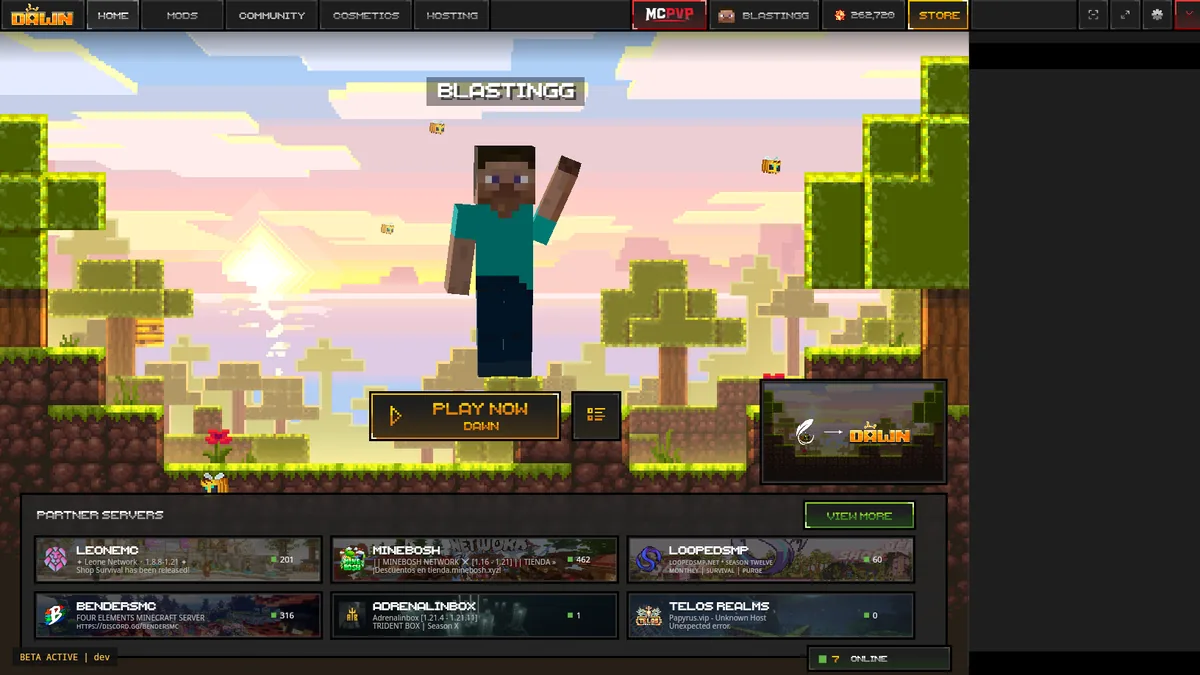
During the July 23 check, Dawn's Windows route returned an EXE, the Apple Silicon route returned a DMG, Linux offered Flatpak and tar.gz formats, and the standalone route returned a Java archive. Some final URLs were temporary signed storage links, so this guide deliberately sends the main button to the official download page instead of freezing a short-lived address.
File sizes and redirect targets can change when the publisher updates a build. Treat the platform page and response metadata as current evidence, not a permanent checksum.
Start with the first-party page
Type or follow a trusted link to dawn.gg. Do not begin from a mirror, video description, or sponsored result.
Match platform and file type
Windows should receive an installer, Apple Silicon macOS a DMG, and Linux the selected Flatpak or tarball. A different format needs an explanation.
Read the operating-system warning
Keep Windows Security and macOS protections enabled. Review the publisher, filename, and source instead of disabling protection globally.
Stop on credential or payment pressure
The launcher may need a valid Minecraft account, but a download page should not request a Microsoft password, recovery code, token, or payment for a free launcher file.
Protect your Microsoft account and Minecraft data
A launcher can be obtained from the correct source and still be used unsafely if credentials are entered into the wrong window. Legitimate Microsoft authentication should use Microsoft's own sign-in flow. Never paste session tokens, account cookies, recovery codes, or launcher database files into a website, mod, chat, or support message.
Back up worlds, screenshots, resource packs, shader packs, and a text list of mods before importing or resetting profiles. Keep the first test clean: launch a supported profile before adding third-party mods. This makes suspicious behavior and compatibility failures easier to isolate.
- Use a unique Microsoft account password and enable available account protections.
- Review active Microsoft sessions after any suspicious login prompt.
- Keep separate backups outside the live launcher profile folder.
- Do not share logs publicly until tokens, usernames, server addresses, and personal paths are reviewed.
Are Feather mods, shaders, and servers automatically safe?
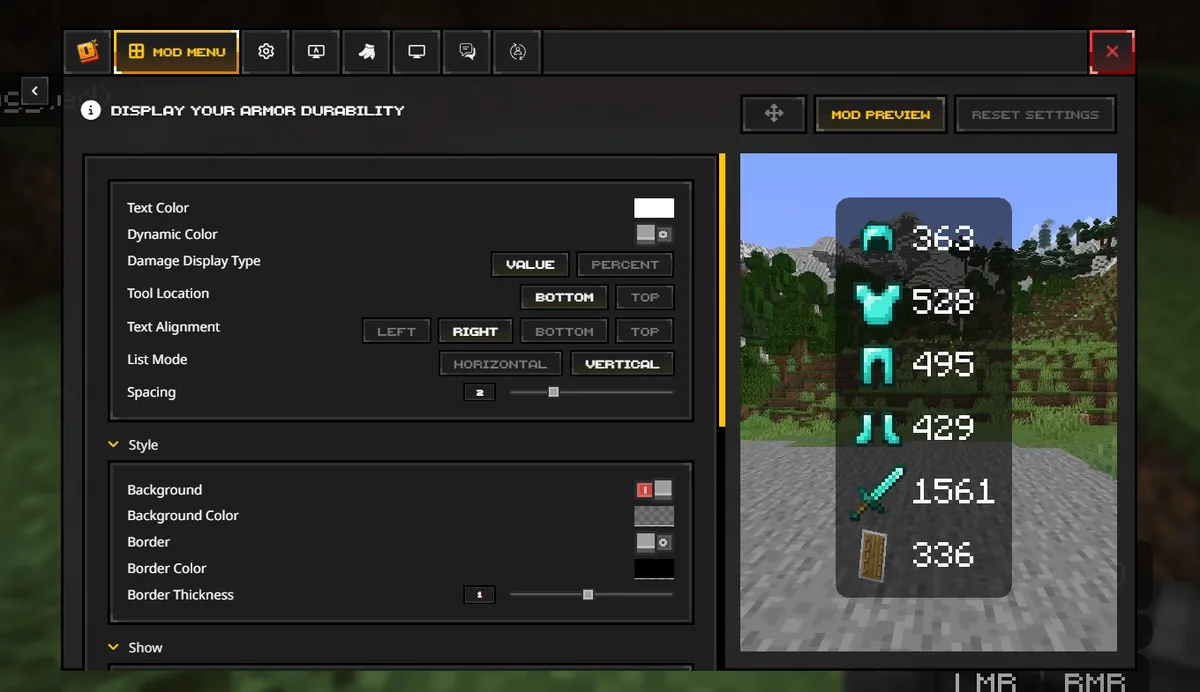
No. The launcher source, each mod source, and each server are separate trust decisions. A legitimate Dawn install does not make an unknown JAR, shader installer, profile ZIP, or server-required download safe. Prefer recognized project pages, match Minecraft and Fabric versions, review dependencies, and add files in small groups.
Searches for Feather Client fraud, scandal, or allegations often mix historical business disputes, creator commentary, impersonation scams, and malware fears. Do not convert an unverified post into a technical verdict. Check the date, evidence, named file, current owner, and whether the claim concerns software behavior, payment, moderation, or something unrelated.
What to do if you already ran a suspicious Feather file
Disconnect the suspicious program, stop using the affected launcher profile, and record the filename, source URL, time, and warning shown. Run the operating system's security scan, remove unknown startup entries or browser extensions, and change exposed passwords from a clean device. Review Microsoft account sessions and revoke anything you do not recognize.
Do not delete every profile immediately. Preserve logs and a copy of important worlds before cleanup, then reinstall only from the verified Dawn page. If money, account theft, or persistent malware is involved, use the relevant platform's official recovery and support channels rather than relying on a random community fixer.
Feather Client safety FAQ
These answers separate the current official route from mirrors, mods, and account risks.
Is Feather Client a virus?
The product name alone cannot answer that question. Feather's official site currently directs users to Dawn. A file from another source must not be treated as official, and every alert should be reviewed using the exact filename, source, signature, and behavior.
Is Dawn the official new Feather Client?
Feather's first-party website says Feather was acquired by InPvP and users are being moved to Dawn, and its download buttons lead to dawn.gg.
What is the latest verified Dawn version?
Dawn displayed version 0.2.0.338 for Windows, Apple Silicon macOS, Linux Flatpak, and Linux tarball on August 1, 2026. The page did not publish a newer visible version label during this check.
Should I download a direct installer from this guide?
The generic button opens Dawn's official download section. This is intentional because macOS and Linux tarball delivery can use temporary signed URLs, and the publisher should control platform selection and current terms.
Can a safe launcher use unsafe mods?
Yes. Every mod, shader installer, profile ZIP, and server-required file is a separate trust decision. Verify the project page, loader, game version, dependencies, and file type.
What if Windows or macOS blocks the launcher?
Confirm the source and exact message first. Use normal Windows Security or macOS Privacy & Security review controls; do not disable protection globally or paste bypass commands from an unknown page.